
Discover why traditional antivirus isn't enough for developer workstations. Learn how EDR provides behavioral visibility to protect your code and infrastructure
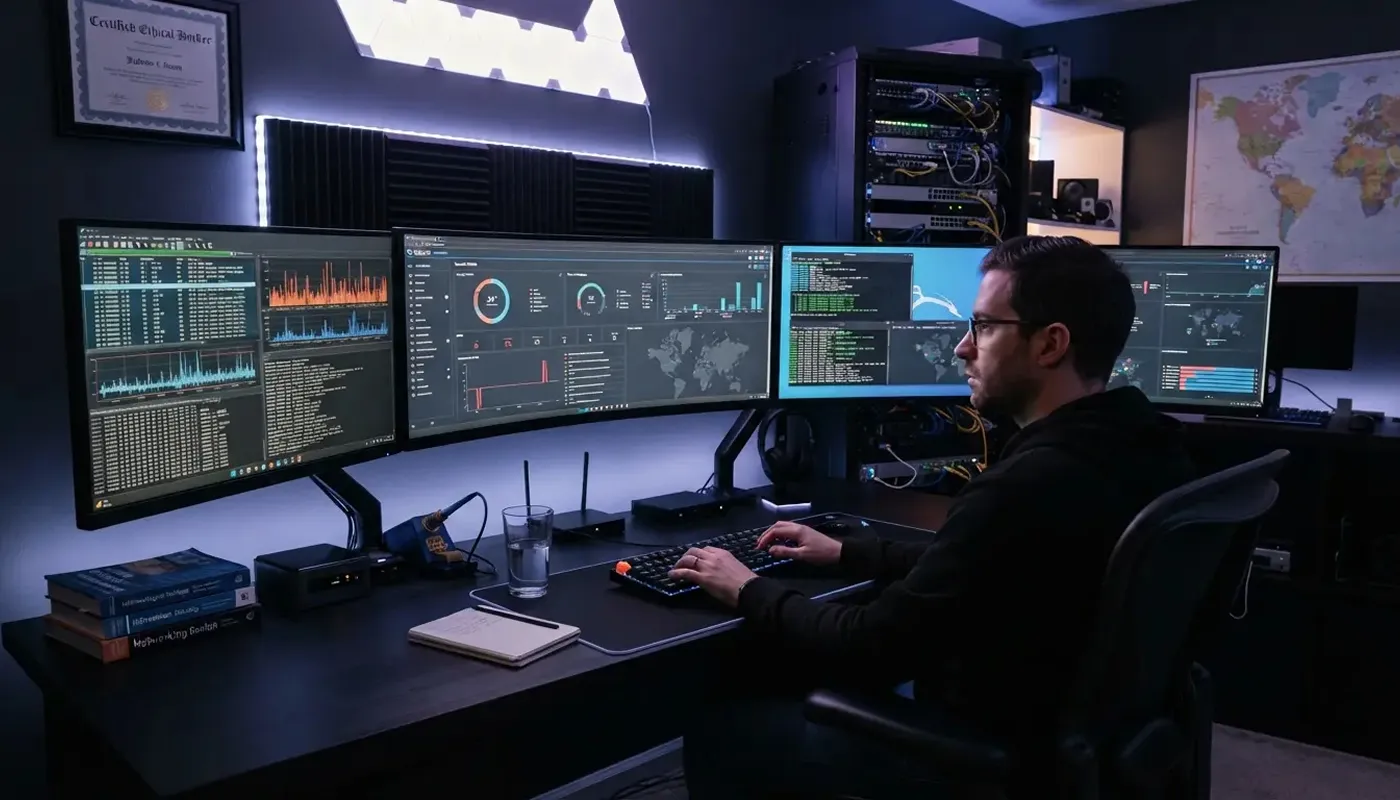
🛡️ Why web developers need endpoint detection beyond traditional antivirus
Web developers work at the center of a valuable digital environment. Their computers often contain source code, administrative credentials, API keys, database access, browser sessions, and deployment tools.
A compromised device can therefore expose much more than the files stored on that machine.
It can provide a route into websites, repositories, hosting accounts, and client systems.
Traditional antivirus remains an important part of endpoint security, but modern development environments require broader visibility. Endpoint detection and response, commonly called EDR, helps teams monitor activity, investigate suspicious behavior, and respond when a device may be compromised.
💻 Developer devices are high-value targets

A developer's workstation connects numerous services that would otherwise remain separate. A single laptop may have access to Git repositories, content management systems, cloud dashboards, staging environments, password managers, and communication platforms.
This concentration of access makes the device particularly valuable to an attacker.
Instead of attacking a production website directly, a threat actor may target someone who can legitimately update it.
The risk becomes greater when developers:
- Save credentials in browsers or local configuration files.
- Use administrative accounts for routine tasks.
- Install extensions, packages, and command-line utilities.
- Download code from unfamiliar repositories.
- Connect to infrastructure from personal or unmanaged devices.
- Reuse active sessions across multiple services.
None of these practices guarantees a security incident. Together, however, they create opportunities that require more than basic file scanning.
🔍 Where traditional antivirus may fall short

Traditional antivirus products typically examine files for known signs of malicious code. This approach remains useful for identifying recognized threats, especially when malware matches an existing signature.
The limitation is that suspicious behavior does not always begin with an obviously malicious file.
An attacker may misuse a legitimate system utility, steal an existing browser session, execute commands through a trusted application, or run scripts that appear harmless when examined separately. For example, a command-line tool is not inherently dangerous.
Developers use command-line interfaces every day for package management, testing, version control, and deployment.
The concern arises when a process launches unexpectedly, accesses sensitive directories, or attempts to communicate with an unfamiliar external system. A conventional antivirus tool may examine the individual file. EDR adds context by examining what happens around it.
⚙️ What endpoint detection and response adds
EDR tools collect and analyze activity on protected devices. Depending on the selected platform and configuration, this may include information about running processes, file changes, user activity, network connections, and other system events.
This visibility can help security teams answer practical questions:
- Which process started the suspicious activity?
- What files did it create or modify?
- Did it communicate with another system?
- Which user account was active?
- Did the activity affect other endpoints?
- What happened before and after the alert?
The answers help distinguish normal development work from potentially harmful behavior. This is especially important in environments where scripts, compilers, local servers, automation tools, and frequent software changes are part of everyday work. EDR is not simply another malware scanner; its purpose is to make endpoint activity visible enough to support investigation and response.
🧠 Why behavioral context matters
Development activity can produce signals that look unusual outside a technical environment. A developer may create many files in seconds, launch several related processes, open multiple network connections, or run unsigned internal software. A useful endpoint-security strategy must account for this reality.
Blocking every unfamiliar process could disrupt work, while ignoring unusual behavior could allow an attacker to remain undetected. Behavioral context helps teams examine relationships between events. A newly installed browser extension followed by unexpected credential access deserves more attention than either event might receive alone.
🌐 The role of open-source EDR

Open-source security software can give organizations greater visibility into how a tool works and more freedom to adapt it to their environment. It may be attractive to development teams that already have experience with self-hosted services, Linux environments, automation, and community-supported software.
Teams evaluating open source endpoint detection and response should consider more than the initial feature list. Deployment, configuration, rule maintenance, log storage, integrations, and ongoing monitoring all affect whether a platform will provide useful protection. An open-source tool can offer flexibility, but flexibility also creates responsibility.
🧱 EDR is most effective as part of layered security
Endpoint monitoring should not replace established security controls. It works best when paired with measures that reduce the chance and potential impact of an incident. A practical security baseline for development environments includes:
- Regular operating-system and application updates.
- Multi-factor authentication for important services.
- Separate accounts for administrative and routine work.
- Restricted access to production environments.
- Secure storage for passwords, tokens, and API keys.
- Trusted sources for packages and browser extensions.
- Protected repositories with access reviews.
- Tested backups for essential code and data.
- Centralized logging and a defined incident-response process.
🎯 Choosing an EDR approach
Before deploying a platform, teams should define what they need to protect and who will operate the system. A freelance developer, a five-person agency, and an enterprise development department have very different requirements.
The assessment should cover:
- Supported operating systems.
- Visibility into processes and network activity.
- Alert and investigation capabilities.
- Device-isolation or containment options.
- Integration with existing security tools.
- Storage and infrastructure requirements.
- Frequency of updates and detection-rule maintenance.
- Skills required for daily operation.
- Impact on endpoint performance.
- Quality of available documentation and support.
🔒 Protect the device behind the website

Website security does not begin and end with the web server. The devices used to write code, manage content, approve changes, and deploy updates are part of the same security chain.
Traditional antivirus still contributes to that defense, but it may not provide the behavioral visibility needed to investigate modern attacks.
EDR helps close that gap by showing how processes, files, users, and connections interact on an endpoint.
Diplomado en Excel: Domina la habilidad clave para el trabajo
Descubre por qué un diplomado en Excel te ayuda a automatizar tareas, analizar datos y destacar profesionalmente. Conoce las modalidades flexibles
Otras noticias: